


About Toybox: Pixel World Sandbox
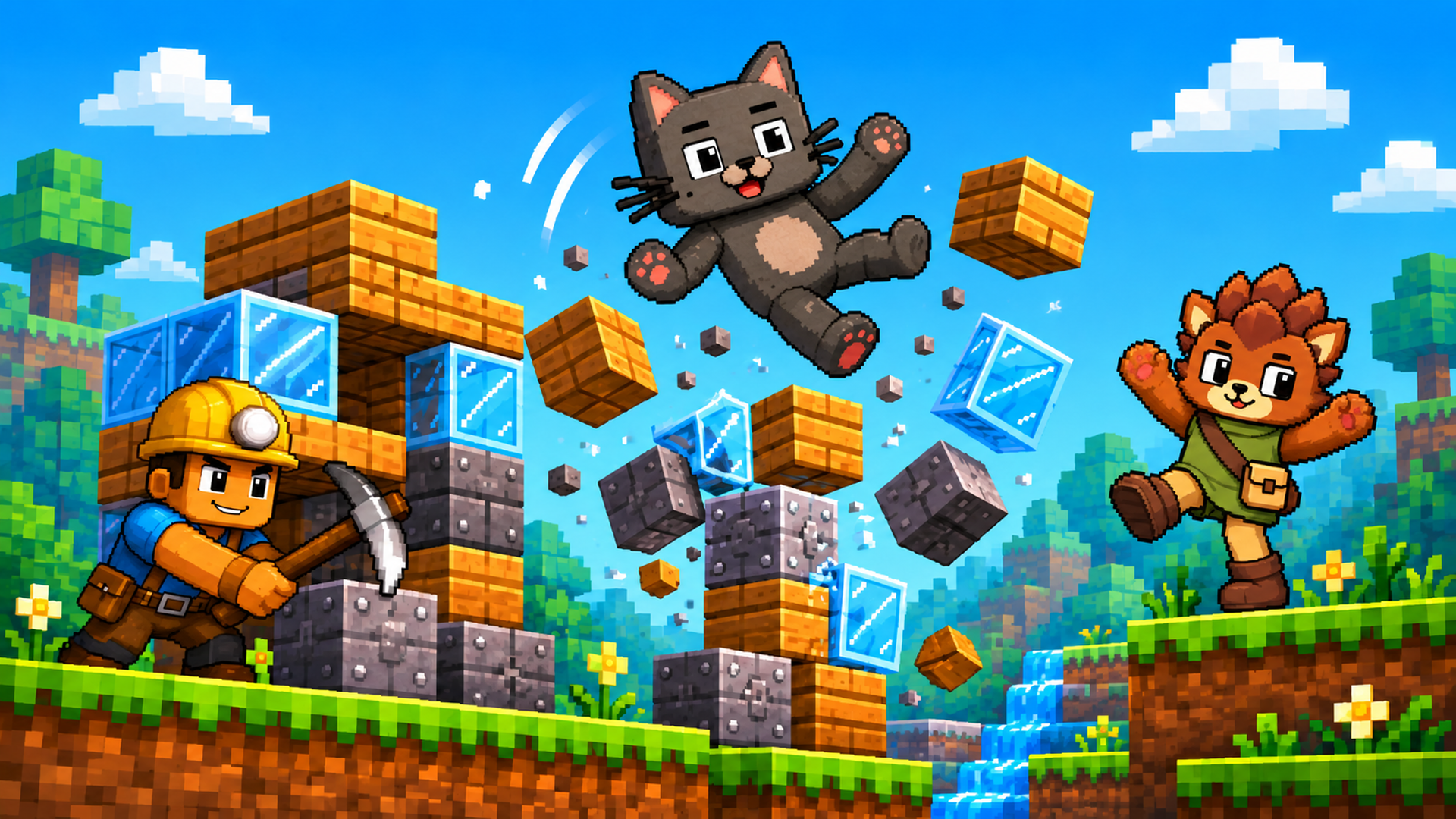
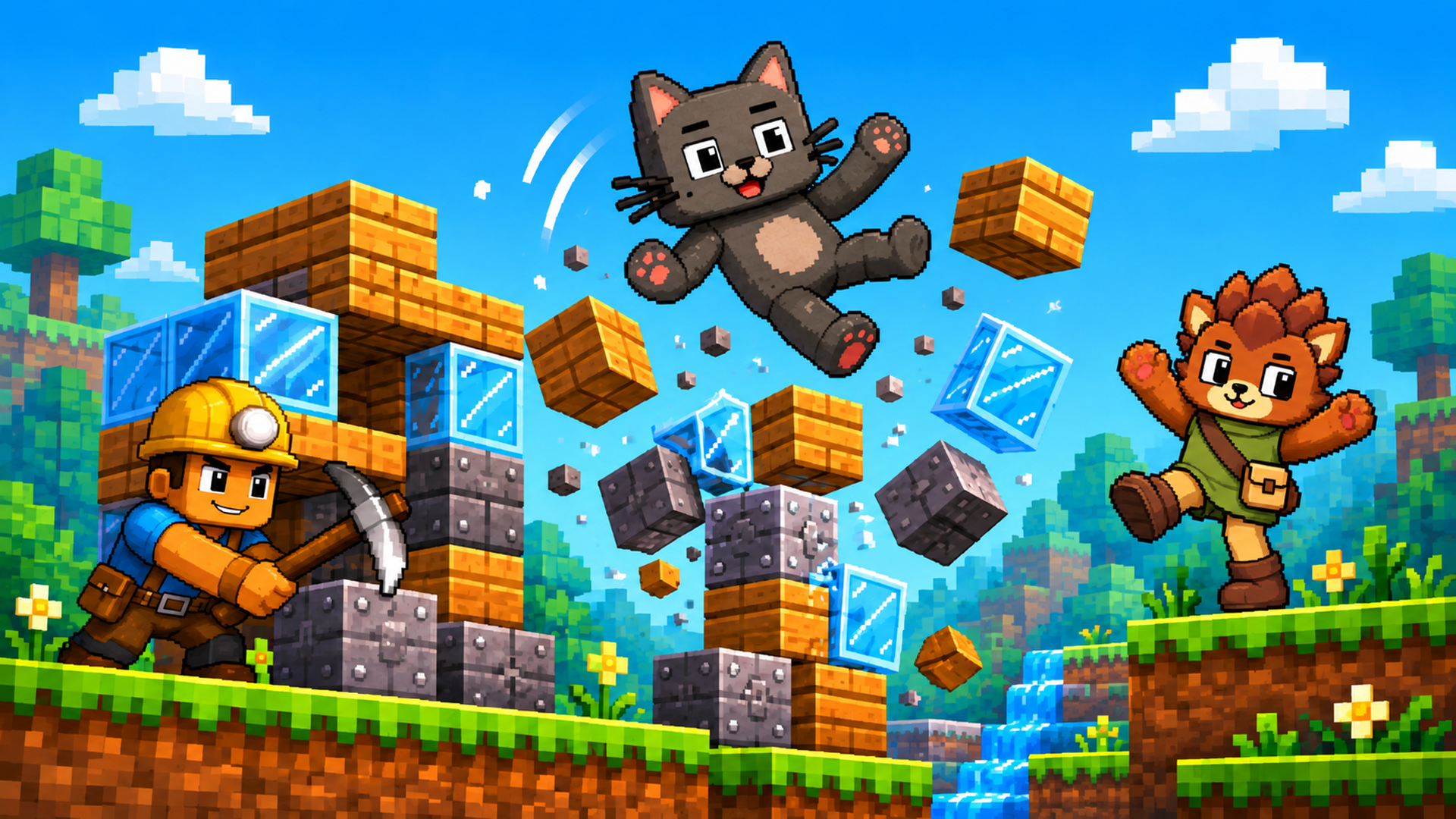
Build a pixel world, fill it with ragdoll characters, and see what happens! Toybox: Pixel World Sandbox is a 2D physics sandbox where you create your own fun. Place blocks, spawn cats, rabbits, pigs and other characters, experiment with weapons and objects, and set up red-versus-green team battles. Take control of a character or watch your creations react to physics. Gather wood and crystals to craft new equipment, then rebuild and try a different idea. No fixed missions or single way to win: your next experiment is the goal.
How to play
Open the character-and-blocks button, choose a category and an item, then click or tap an empty spot in the world to place it. Build structures, add characters and equipment, and use the crossed-swords button to switch bot battles on or off. Open the hammer menu to craft equipment when you have the required resources. Desktop: use the mouse to place and drag objects. Drag empty space to move the camera; use the mouse wheel or + / - to zoom. Press the character-control button and select a character: A / D or Left / Right to move, W to jump, Space or right mouse button to attack, and G to drop the held item. Mobile: tap the menus and world to place items, drag to interact, and use the on-screen movement, jump and action controls when controlling a character. Use + / - to zoom. This is an open-ended sandbox: build, experiment and create your own challenges. The current in-game text is Russian.
Tips and tricks for Toybox: Pixel World Sandbox
Toybox is an open-ended 2D physics sandbox where you build blocks, spawn characters and watch what happens. There are no fixed missions, so each experiment you set up becomes your own goal.
- Start small: place a few blocks and one character, then press play to see how the physics react before building something bigger.
- Use the crossed-swords button to turn bot battles on when you want to test how your structures and characters hold up in a red-versus-green fight.
- Gather wood and crystals early so you have resources ready for the hammer menu when you want to craft new equipment.
- Take control of a character with the character-control button to test how a structure feels to move around in, then adjust the blocks to fix weak spots.
- Change one thing at a time between experiments, such as the layout or the type of character, so you can clearly see what caused a particular result.
Building & Crafting GamesOpen World GamesSandbox GamesArcadeActionAdventureArcadeSimulationPhysicsCraftingRagdollActionAdventure
Game info
- Genre
- Arcade, Action, Adventure
- Platform
- Web browser (PC, Mac, Android, iPhone, tablet)
- Price
- Free
- Screen
- Landscape
- Also on
- Playgama ↗
FAQ
What is the goal of Toybox?
There is no fixed goal or single way to win. The game is built around trying out your own ideas and seeing what happens.
How do I move and attack with a character on desktop?
Use A and D or the Left and Right arrows to move, W to jump, and Space or the right mouse button to attack. Press G to drop the item you are holding.
Is this game free to play?
Yes. It is completely free here. The game is supported by short ads.
Can I play this game on my phone?
Yes. It runs in the browser on Android phones, iPhones and tablets as well as on PC and Mac — tap “Play now” and the game opens full screen.
Do I need to download or sign up?
No. There is nothing to install and no account needed. The game loads instantly in your browser.
Like this game? Try more arcade games or browse the most played games on I Love Web Games.
💬 Comments
No comments yet. Be the first to say something about this game.
Made a game like this? Submit your HTML5 game — free, non-exclusive, and we link back to your site.