

About Order of Masks
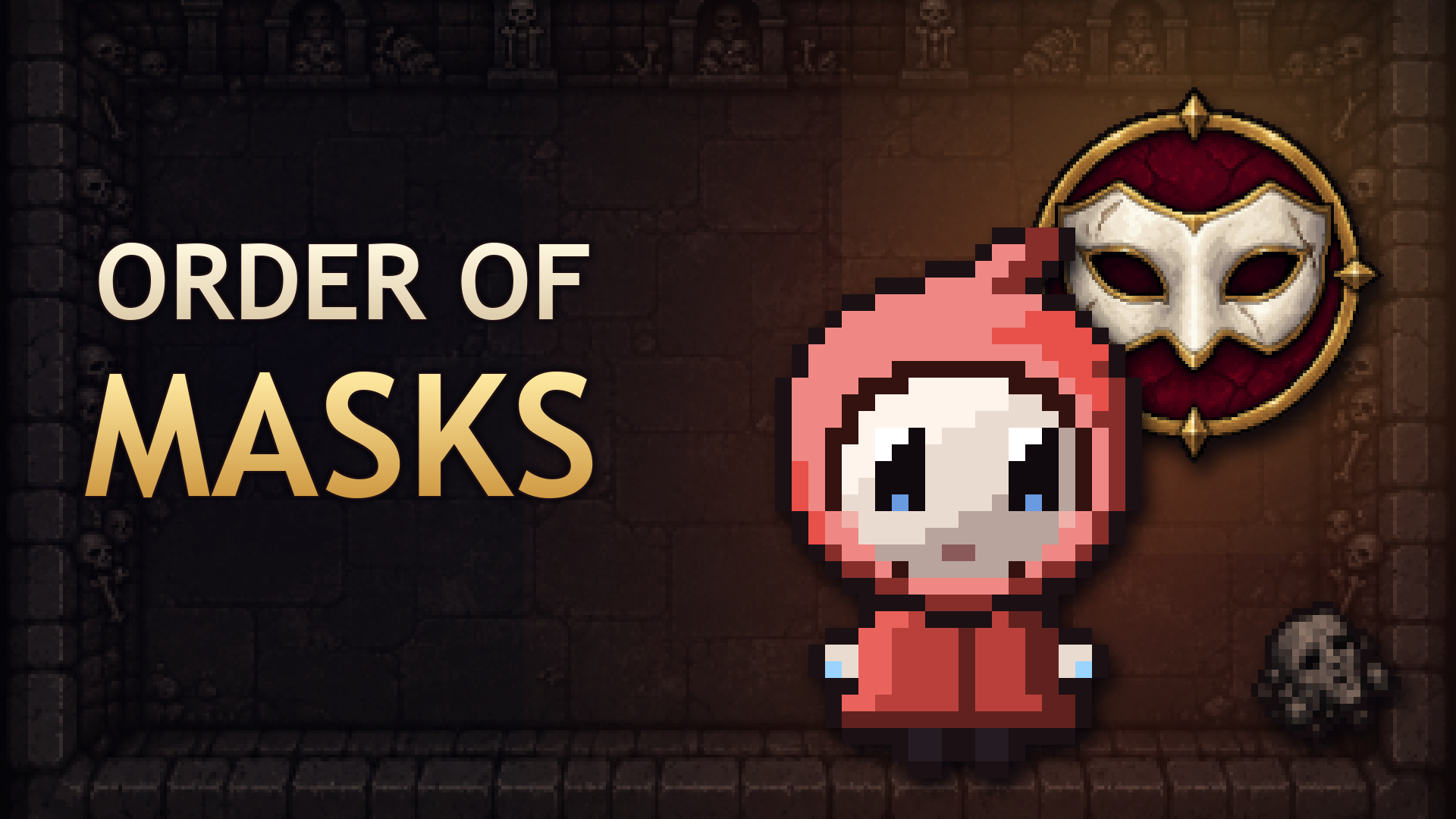
The Children of the Spark venture into the depths to free the light held by the Great Mask. Each run brings a shifting dungeon, secret rooms and a new mix of finds.
Play solo or gather up to four players in local co-op on one screen. On a computer, share a keyboard with a second player or connect gamepads. On a phone, play solo in landscape with fixed or floating sticks. Meet at boss doors and help fallen teammates return to the fight.
Discover more than 200 items, dozens of trinkets and powerful synergies. Finds change your hero's look during a run: new masks, hats and wings, growing or shrinking, and transformations when you combine matching items. Turn sparks into rays, guided shots or bombs, and mix fire, ice, poison and lightning.
Explore six special room types, from the Arcade and its machines to the Dice Room and the rare Observatory. Face 52 bosses across the chapters and the Abyss; victories open new opponents and chapters. After your first victory over the Great Mask, champion bosses appear and the Mirror Gallery opens. Defeat Faceless to unlock the Clock Tower and face the Clockmaker, or descend into the endless Abyss.
Choose Novice, Normal or the Order's Challenge difficulty, try 25 Challenges or a fresh Daily Run, and unlock new items, heroes and looks. Your progress and discoveries are saved between sessions.
Available in English, Russian, Spanish, Portuguese, German, French, Turkish, Polish and Italian.
How to play
Goal: clear the rooms of each floor, collect items and defeat the floor's boss to go deeper. Beat the Great Mask to win the run, then take one of the new paths or try the endless Abyss. Keyboard (solo): WASD to move, Arrow keys to shoot, E or Left Shift for a bomb, Space for the active item, Q for a card, P to pause, Backspace to go back. Two players on one keyboard: the left player moves with WASD, holds Space to fire and lock aim, Q for a bomb, E for the active item, X for a card. The right player moves with the Arrow keys, Enter or Right Shift to fire and lock aim, Right Ctrl for a bomb, comma for the active item, semicolon for a card. Gamepad: left stick to move, right stick or ABXY to shoot, LB for a bomb, RB for the active item, RT for a card, Start to pause. Press A in the lobby to join. Touch (landscape): the left stick moves, the right stick aims and shoots. Tap the bomb, active item, card and pause buttons. In Settings you can switch between fixed and floating sticks, change their size and opacity, and use a left-handed layout.
Tips and tricks for Order of Masks
Order of Masks is a shooting dungeon crawler where the Children of the Spark fight through shifting floors to free the light held by the Great Mask. You can play alone or with up to four players in local co-op.
- Clear the rooms of each floor before moving on, since the floor's boss is the way down to the next level.
- Pay attention to which items you combine, because matching items can transform your hero and build powerful synergies during a run.
- Use your bomb and card when a room gets crowded, and save them for tough moments rather than spending them early.
- In co-op, stay near fallen teammates when you can, because helping them return to the fight keeps the whole group in the run. If you enjoy games like this with a friend, you can also browse games built for two players.
- Try Novice difficulty first to learn the room types and boss patterns before moving to harder settings.
2 Player GamesShootingActionAdventure2 PlayerShootingAdventureActionTwo Player
Game info
- Genre
- Shooting, Action, Adventure, 2 Player
- Platform
- Web browser (PC, Mac, Android, iPhone, tablet)
- Price
- Free
- Screen
- Landscape
- Also on
- Playgama ↗
FAQ
How do I win a run?
Beat the Great Mask on the way down through the dungeon. Once you win, you can take a new path or try the endless Abyss.
What controls do I need on a keyboard?
Use WASD to move and the Arrow keys to shoot, with E or Left Shift for a bomb and Space for the active item. Press P to pause.
Is this game free to play?
Yes. It is completely free here. The game is supported by short ads.
Can I play this game on my phone?
Yes. It runs in the browser on Android phones, iPhones and tablets as well as on PC and Mac — tap “Play now” and the game opens full screen.
Do I need to download or sign up?
No. There is nothing to install and no account needed. The game loads instantly in your browser.
Like this game? Try more shooting games or browse the most played games on I Love Web Games.
💬 Comments
No comments yet. Be the first to say something about this game.
Made a game like this? Submit your HTML5 game — free, non-exclusive, and we link back to your site.

















