



About Ludo
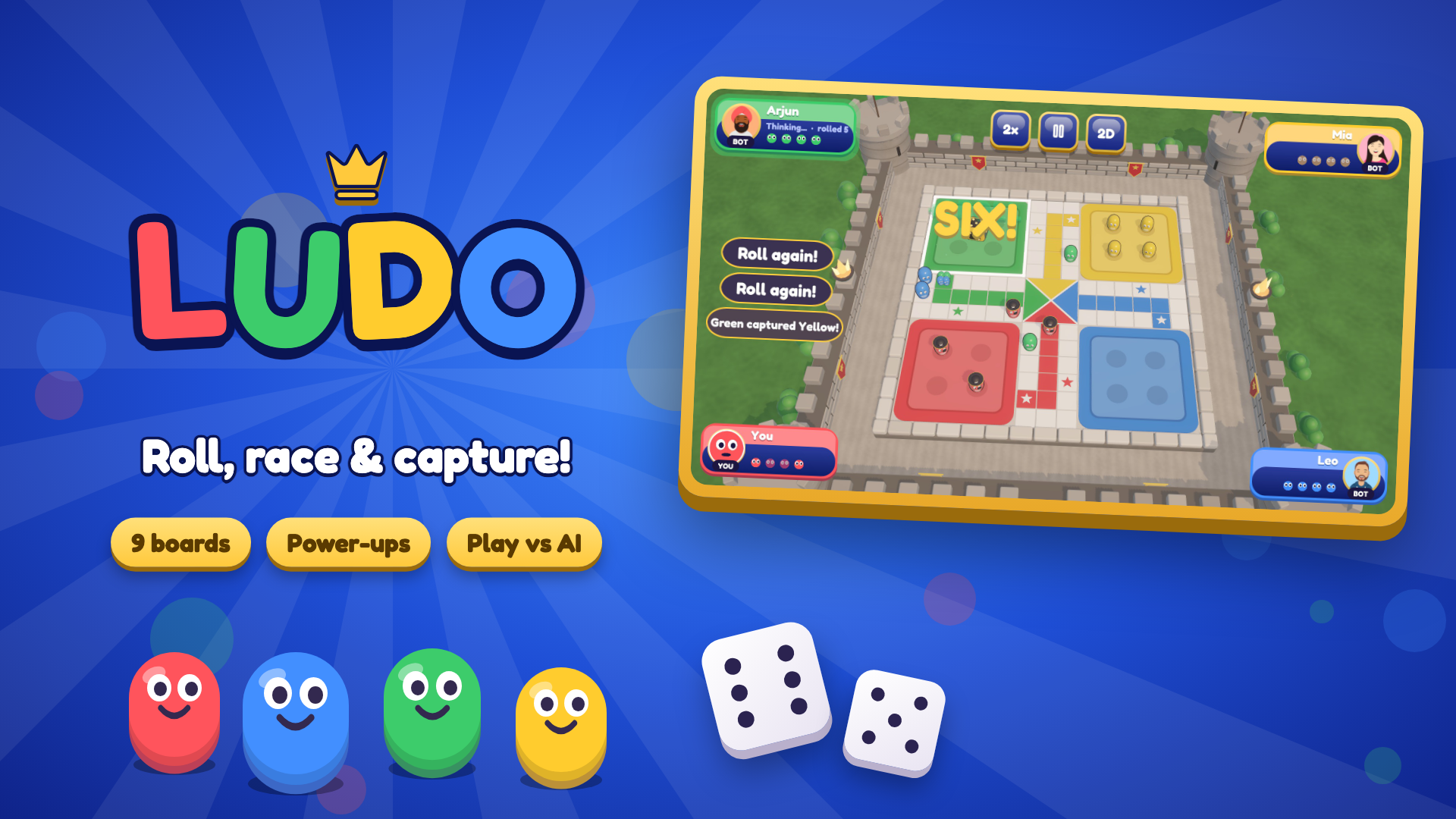
Roll the dice and experience classic Ludo like never before! Explore beautifully crafted 3D board themes, from magical Winterland and colorful Candyland to majestic Castles and outer Space. Choose from a variety of unique tokens, including Queens, Pirates, and more, with multiple dice styles to customize your gameplay. Enjoy the timeless fun of Ludo brought to life with stunning visuals, exciting themes, and a fresh 3D experience!
How to play
Roll the dice, move your tokens, and race your opponents to the finish! Bring all four of your tokens out of the starting area, navigate around the board, and safely reach your home zone. Land on your opponents' tokens to send them back to the starting area, and use strategic moves to stay ahead. The first player to get all four tokens home wins! Desktop Controls: - Mouse Click: Roll the dice. - Mouse Click: Select and move a token. - Mouse Click: Navigate menus and game options. Mobile Controls: - Tap: Roll the dice. - Tap: Select and move a token. - Tap: Navigate menus and game options.
Tips and tricks for Ludo
Ludo is a race around a 3D board where you roll the dice, move your tokens, and try to get all four home first. Each board theme and token style changes the look, not the goal.
- Bring your tokens out of the starting area when you can, since having more tokens on the board gives you more choices each time you roll.
- Before you move, check whether any roll lets you land on an opponent's token, because sending it back to start can swing the race.
- Keep an eye on opponent tokens just behind yours, and move a token out of their reach when it is exposed.
- If you enjoy planning moves on a shared board, you can explore more strategy games for two or more players after this one.
Chess & Board GamesMultiplayer & .ioArcade3DBoard3dStrategyClassicMultiplayerArcade
Game info
- Genre
- Multiplayer & .io, Arcade, 3D
- Platform
- Web browser (PC, Mac, Android, iPhone, tablet)
- Price
- Free
- Screen
- Landscape
- Also on
- Playgama ↗
FAQ
How do I win a game of Ludo?
The first player to bring all four of their tokens home to the home zone wins the game.
How do I send an opponent's token back?
Land one of your tokens on the opponent's token, and it will be sent back to the starting area.
Is this game free to play?
Yes. It is completely free here. The game is supported by short ads.
Can I play this game on my phone?
Yes. It runs in the browser on Android phones, iPhones and tablets as well as on PC and Mac — tap “Play now” and the game opens full screen.
Do I need to download or sign up?
No. There is nothing to install and no account needed. The game loads instantly in your browser.
Like this game? Try more multiplayer & .io games or browse the most played games on I Love Web Games.
💬 Comments
No comments yet. Be the first to say something about this game.
Made a game like this? Submit your HTML5 game — free, non-exclusive, and we link back to your site.

















