

About Geometry Vibes 2 Online
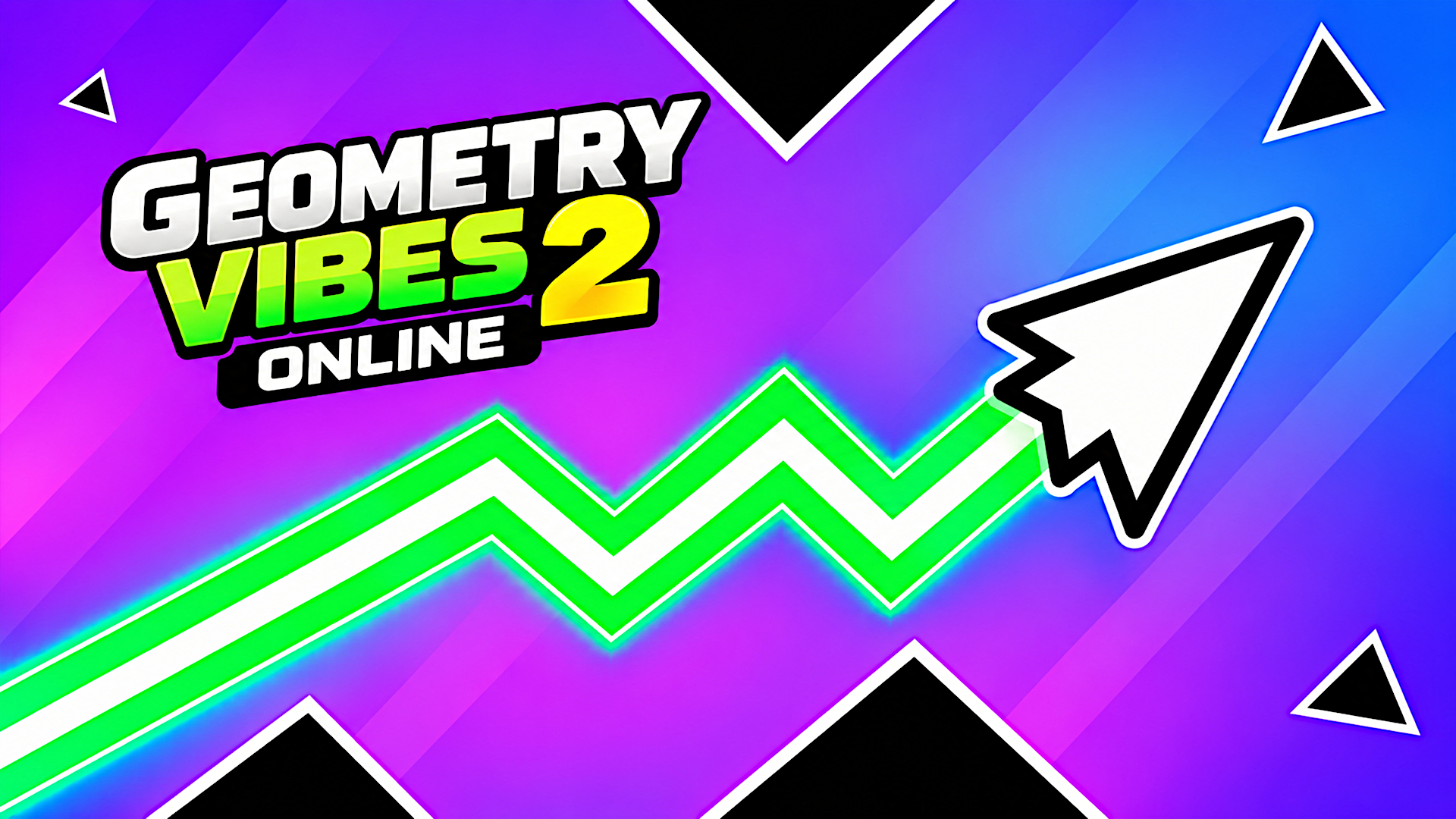
Geometry Vibes 2 Online takes the fast, precise and addictive gameplay of the original Geometry Vibes and expands it into a much bigger competitive experience. The familiar arrow mechanics and geometric visual style are still here, but this time there are more levels, deeper customization, a completely renewed Infinity Mode and, most importantly, online multiplayer.
What is the difference between Geometry Vibes and Geometry Vibes 2 Online?
Geometry Vibes 2 keeps the movement system and visual identity of the original game while considerably expanding its content.
The original Geometry Vibes has 10 Classic levels and an Endless Mode. Geometry Vibes 2 increases Classic Mode to 20 levels, replaces Endless with the more dynamic Infinity Mode, expands customization and introduces online multiplayer.
Players who already understand the first game can therefore start immediately, while still having plenty of new content to discover.
How many arrow skins are in Geometry Vibes 2?
There are 24 arrow skins available. You can unlock new designs using coins earned through gameplay.
How many trails are available?
Geometry Vibes 2 features 16 different trails. Trails can be combined with different arrow skins and custom colors from the Customize menu.
What are coins used for?
Coins are part of the game's progression and customization system. Collect them during gameplay and earn more by progressing through levels. You can spend your coins on new arrow skins and trails.
Can Geometry Vibes 2 be played on phones and tablets?
Yes. Geometry Vibes 2 Online supports mobile devices with touch controls and is designed to provide smooth gameplay on phones and tablets.
Is the game fully optimized for mobile devices?
Absolutely. The game engine has been highly optimized to run fluidly on mobile web browsers without any app downloads. It features highly responsive touch controls, ensuring you have the exact precision needed for high-speed platforming on your smartphone or tablet.
How to play
Geometry Vibes 2 Online is easy to learn, but mastering the movement and timing takes practice. Your goal is to reach the end of the level without touching any spikes, walls or other obstacles. Press and hold LEFT MOUSE BUTTON or SPACE to make your arrow fly upward. Release the button or key to make the arrow move downward. Use short taps for small movements and longer holds when you need to climb higher. Multiplayer Controls Player 1: LEFT MOUSE BUTTON or SPACE Player 2: UP ARROW Player 3: H Player 4: L The controls are simple, but the real challenge is finding the right rhythm and reacting quickly enough to pass through narrow gaps without crashing.
ArcadeActionAdventureMultiplayer & .ioArcadeActionMultiplayerPlatformMobile
Game info
- Genre
- Arcade, Action, Adventure, Multiplayer & .io
- Platform
- Web browser (PC, Mac, Android, iPhone, tablet)
- Price
- Free
- Screen
- Landscape
- Also on
- Playgama ↗
FAQ
Is this game free to play?
Yes. It is completely free here. The game is supported by short ads.
Can I play this game on my phone?
Yes. It runs in the browser on Android phones, iPhones and tablets as well as on PC and Mac — tap “Play now” and the game opens full screen.
Do I need to download or sign up?
No. There is nothing to install and no account needed. The game loads instantly in your browser.
Like this game? Try more arcade games or browse the most played games on I Love Web Games.
Made a game like this? Submit your HTML5 game — free, non-exclusive, and we link back to your site.