About Fruit Lane Cafe
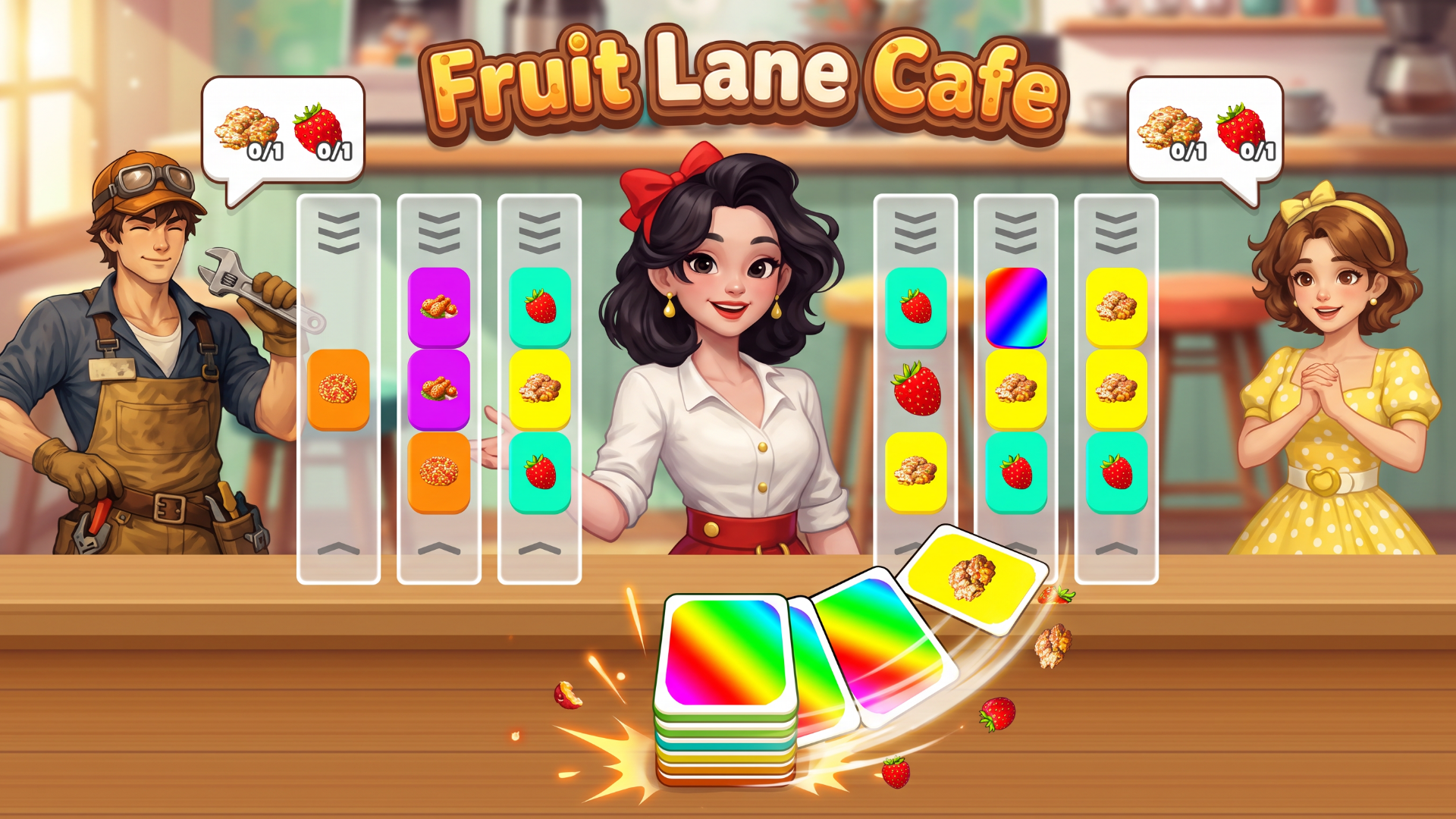
Fruit Lane Cafe is a colorful card-sorting puzzle game with a busy shop twist. Slide cards through lanes, line up matching sets, and complete your customers' orders before time runs out. Plan around the next card, manage the spare card, and unlock helpful boosters as the challenges grow. Simple tap controls, satisfying chain reactions, and a growing level map make every order a fresh puzzle.
How to play
Click Play and select an unlocked level. On desktop, use the left mouse button; on mobile, tap the screen. Click or tap a lane to slide the card from the bottom slot into it and move the outgoing card into the slot. Match the cards across an entire lane to clear the set and fill a customer's order. The multicolored spare card must be moved out of a lane before that lane can clear. Complete all customer orders before the timer runs out to win. Earn coins and stars, progress to new levels, and use unlocked boosters when you need help. Optional rewarded videos can provide extra coins or boosters. Use the on-screen settings to adjust music and sound. No keyboard shortcuts are required.
Cooking & Restaurant GamesArcadePuzzleCookingArcadeMatchingPuzzleFood
Game info
- Genre
- Arcade, Puzzle, Cooking
- Platform
- Web browser (PC, Mac, Android, iPhone, tablet)
- Price
- Free
- Screen
- Landscape
- Also on
- Playgama ↗
FAQ
Is Fruit Lane Cafe free to play?
Yes. Fruit Lane Cafe is completely free on I Love Web Games. The game is supported by short ads.
Can I play Fruit Lane Cafe on my phone?
Yes. It runs in the browser on Android phones, iPhones and tablets as well as on PC and Mac — tap “Play now” and the game opens full screen.
Do I need to download or sign up?
No. There is nothing to install and no account needed. The game loads instantly in your browser.
Like Fruit Lane Cafe? Try more arcade games or browse the most played games on I Love Web Games.