About Dronner 3D
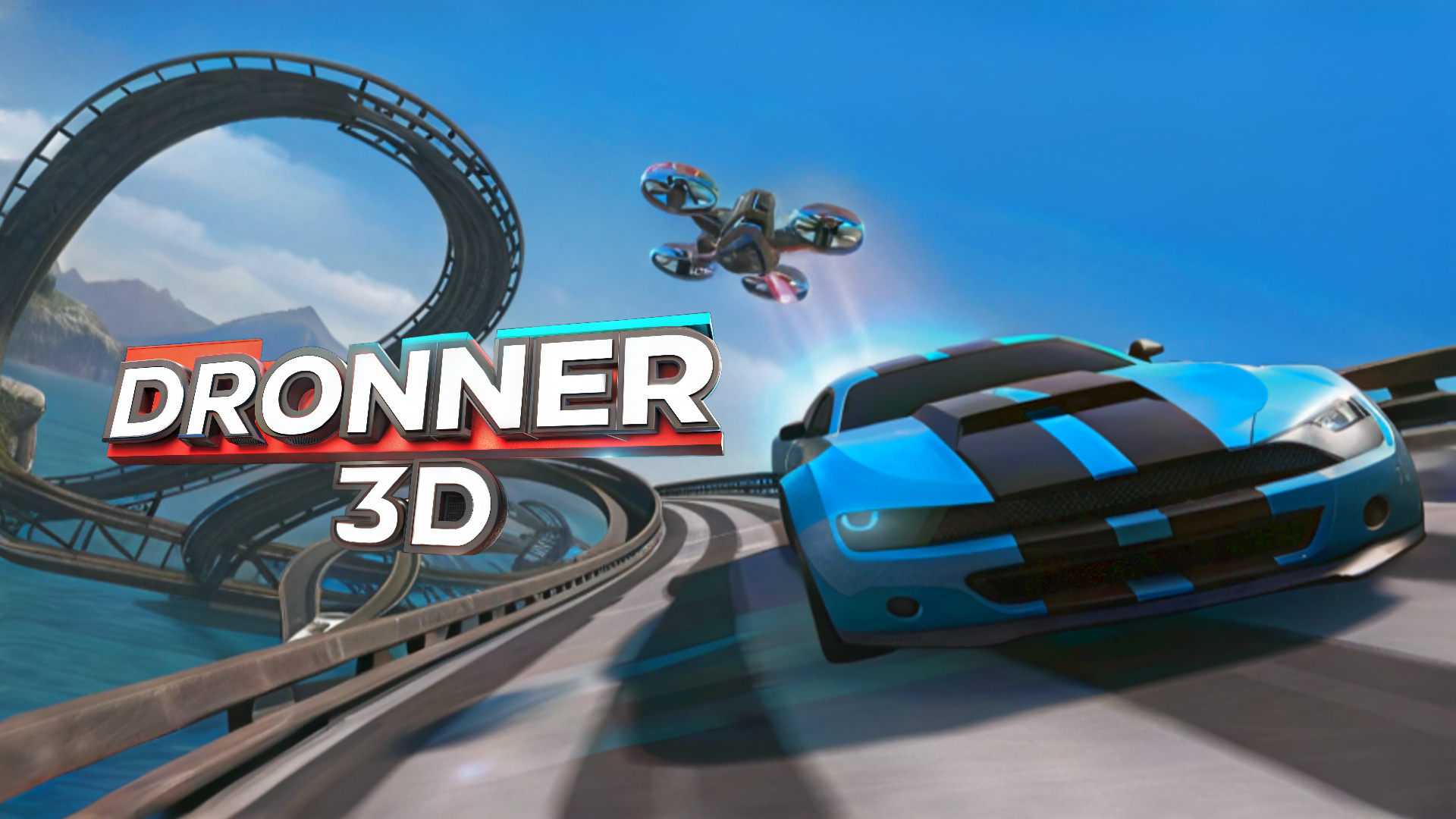
Dronner 3D - Immerse yourself in dynamic racing in a unique car that can turn into a quadcopter and overcome exciting tracks.
How to play
Dronner 3D - Immerse yourself in dynamic racing in a unique car that can turn into a quadcopter and overcome exciting tracks. Collect points and battery charges, avoid collisions that are especially dangerous in quadcopter mode, and monitor damage status and battery charge levels. As you progress through levels, upgrade your car by increasing battery capacity and repairing damage. At the end of each level you will find a table with statistics where you can evaluate your achievements. Desktop Controls: 1. Movement on the ground: ↑ (Up Arrow) or W : Move forward. ↓ (Down Arrow) or W : Move back. ← (Left Arrow) or A : Move left. → (Right Arrow) or D : Move right. 2. Switching modes: Spacebar: Transform the machine into a quadcopter and back. 3. Air control: ↑ (Up Arrow) or W : Move forward. ↓ (Down Arrow) or W : Move back. ← (Left Arrow) or A : Move left. → (Right Arrow) or D : Move right. Q: Move upward. E: Move downward.
Car & Racing3DDrivingFlyingCarRacing3d
Game info
- Genre
- Car & Racing, 3D
- Platform
- Web browser — best on PC / Mac
- Price
- Free
- Screen
- Landscape
- Also on
- Playgama ↗
FAQ
Is Dronner 3D free to play?
Yes. Dronner 3D is completely free on I Love Web Games. The game is supported by short ads.
Can I play Dronner 3D on my phone?
Dronner 3D is made for computers and plays best with a keyboard and mouse. For phones, check out our mobile games.
Do I need to download or sign up?
No. There is nothing to install and no account needed. The game loads instantly in your browser.
Like Dronner 3D? Try more car & racing games or browse the most played games on I Love Web Games.